
Nextcloud Native guides
Learn a complete workflow.
Start with the outcome you need. Each maintained guide uses synthetic captures from the real app, explains safe choices, and shows what success looks like.
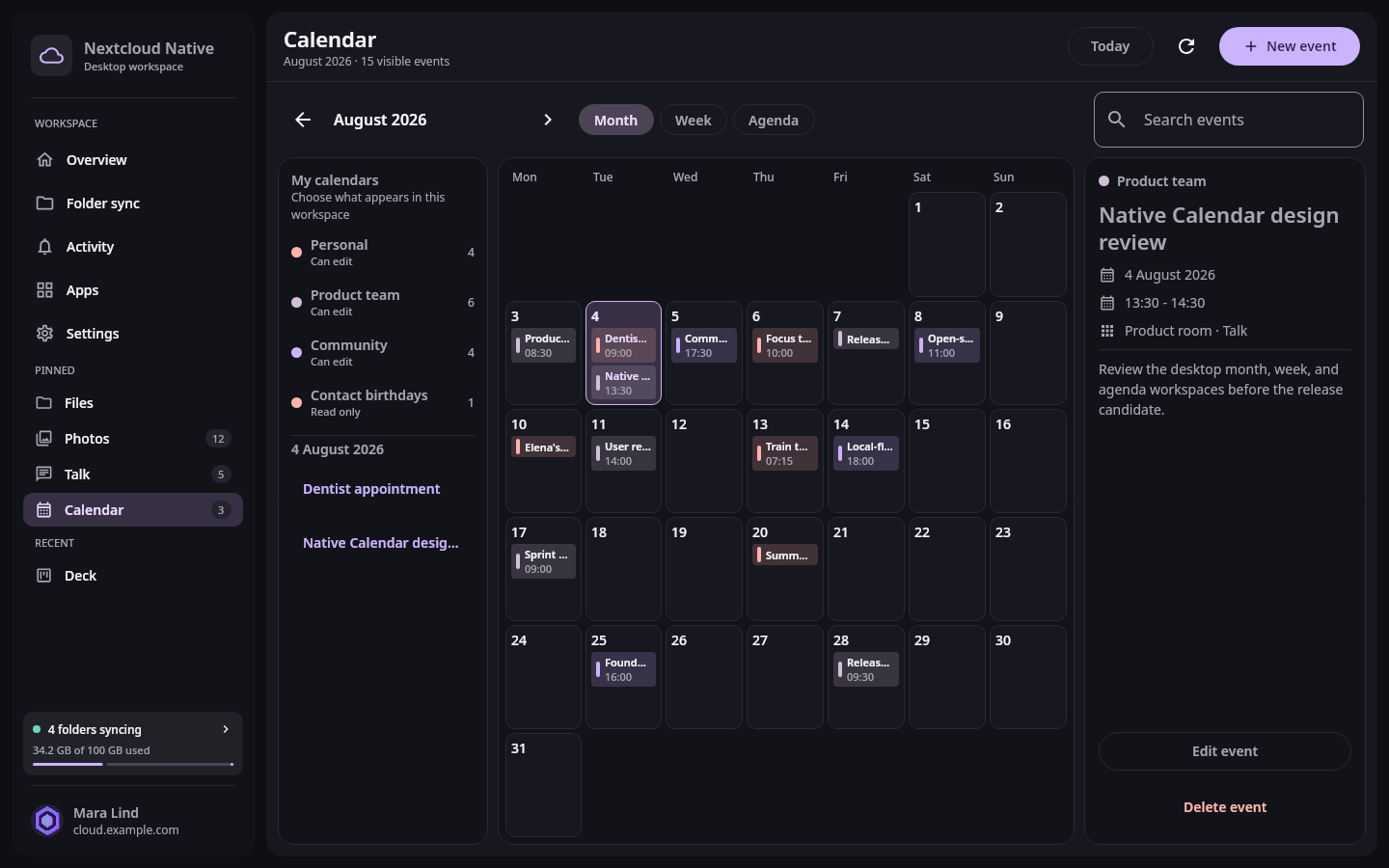 Calendar and planning
Plan your work with Calendar
Navigate month and agenda views, create complete events, choose calendars, and update schedules without losing the surrounding workspace.
- Android
- Desktop
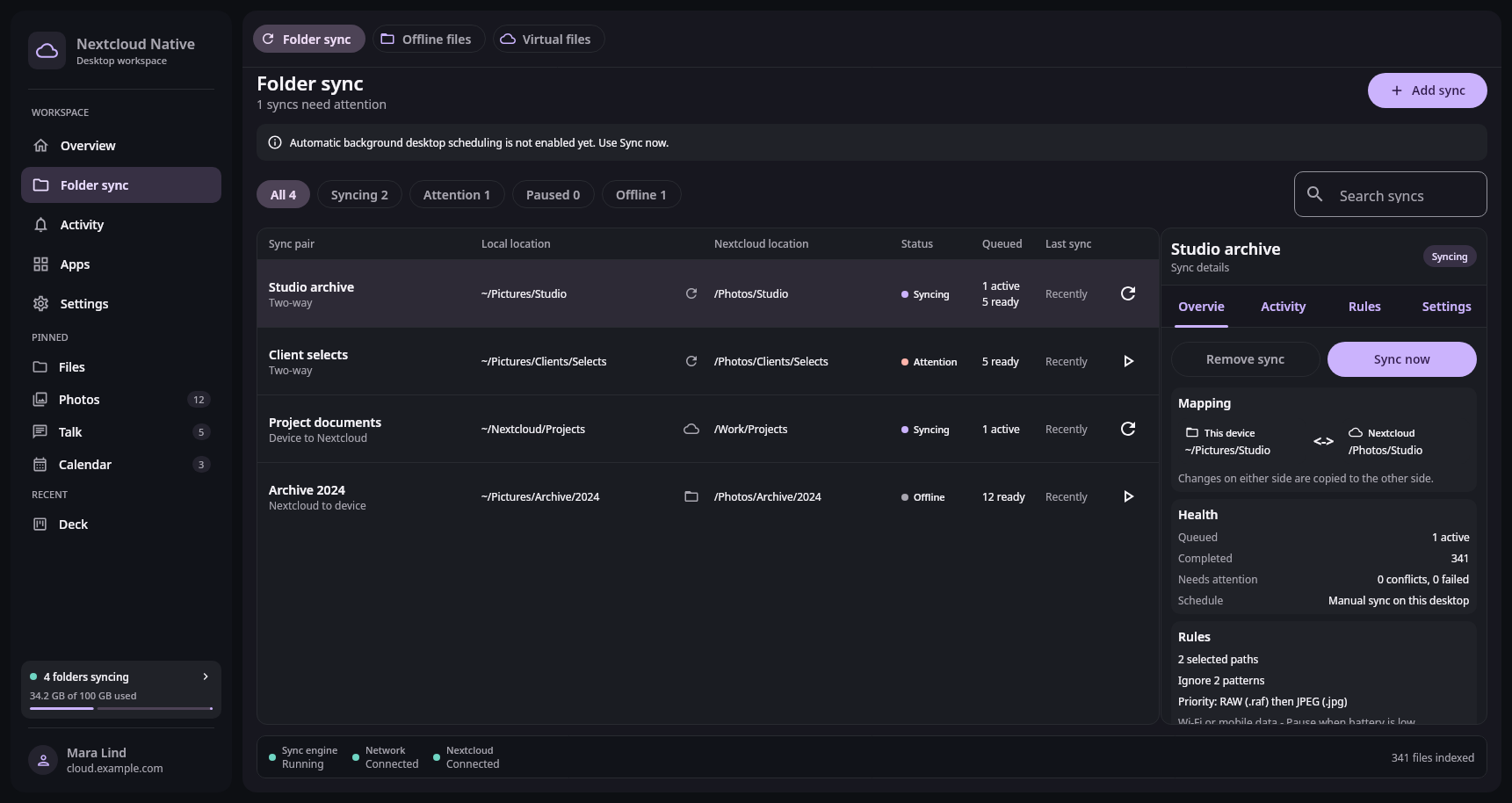 Files and sync
Keep a device folder in sync
Create a folder pair, choose exactly what belongs in it, and understand direction, conflicts, scheduling, and sync health.
- Desktop
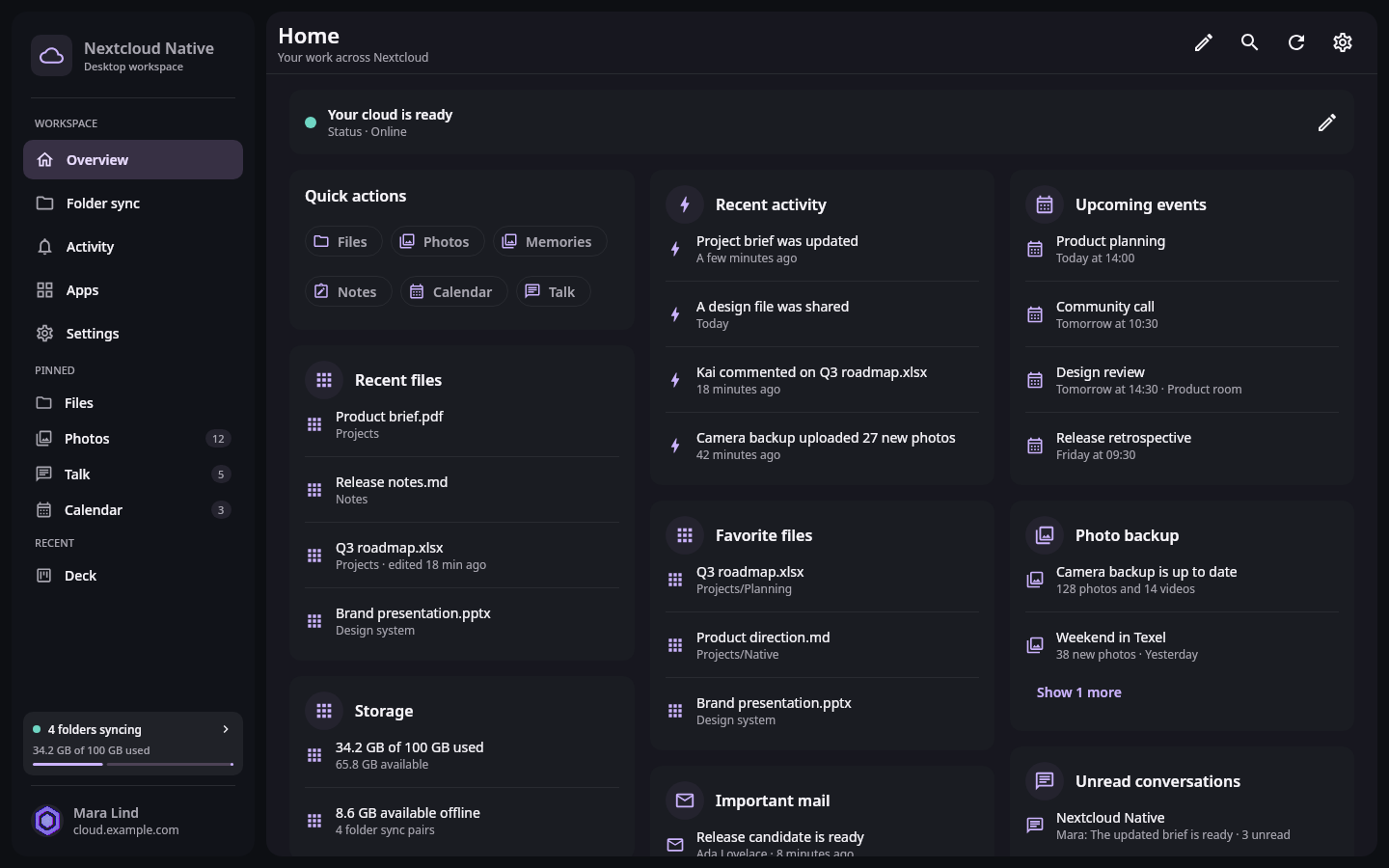 Start here
Get started with Nextcloud Native
Connect your Nextcloud account, understand the workspace, and choose the apps and device settings you will use every day.
- Android
- Desktop
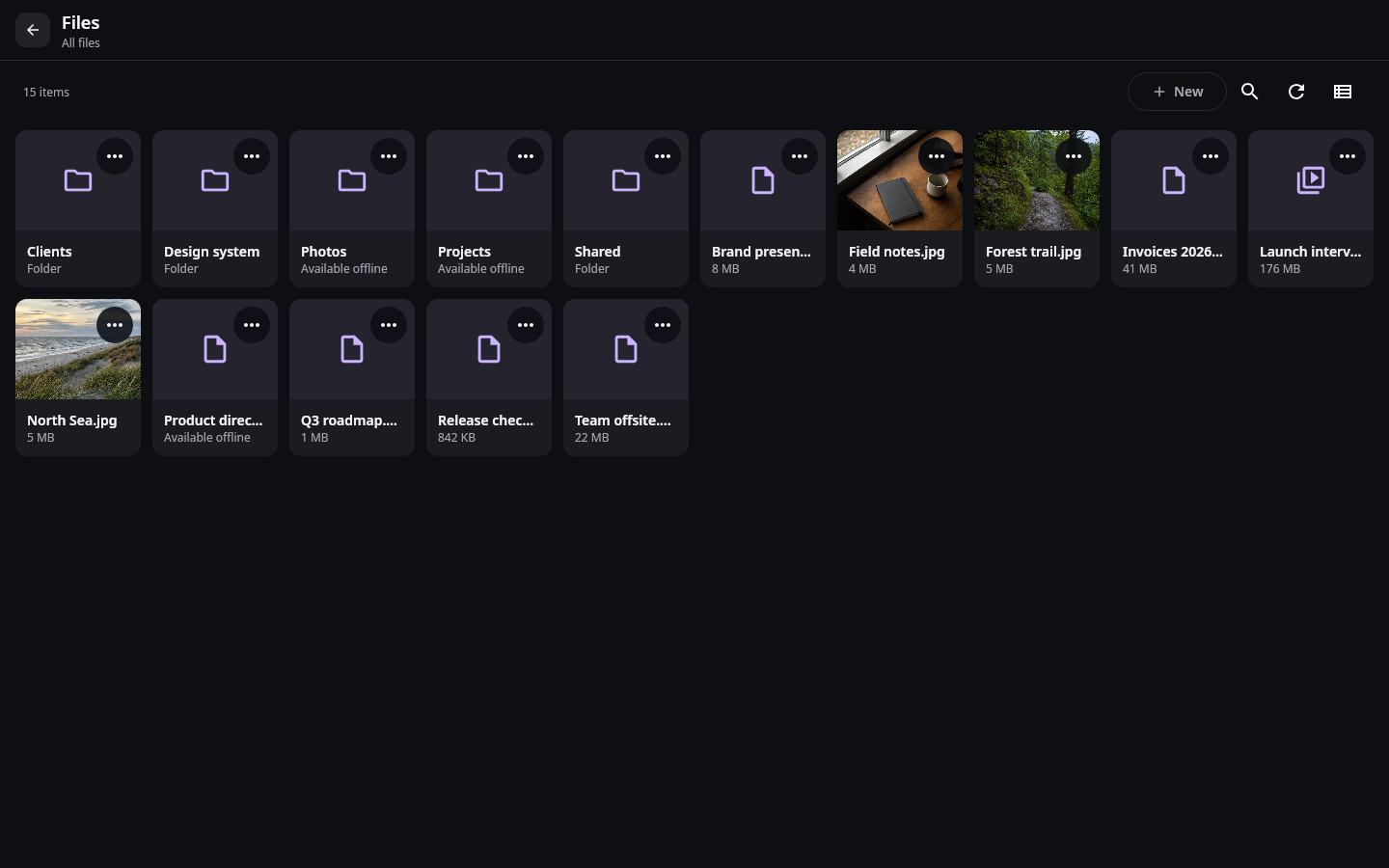 Files and sync
Keep important files available offline
Understand cloud-only, cached, pinned, and synchronized files, then control device storage without risking drafts or active transfers.
- Android
- Desktop
 Photos and media
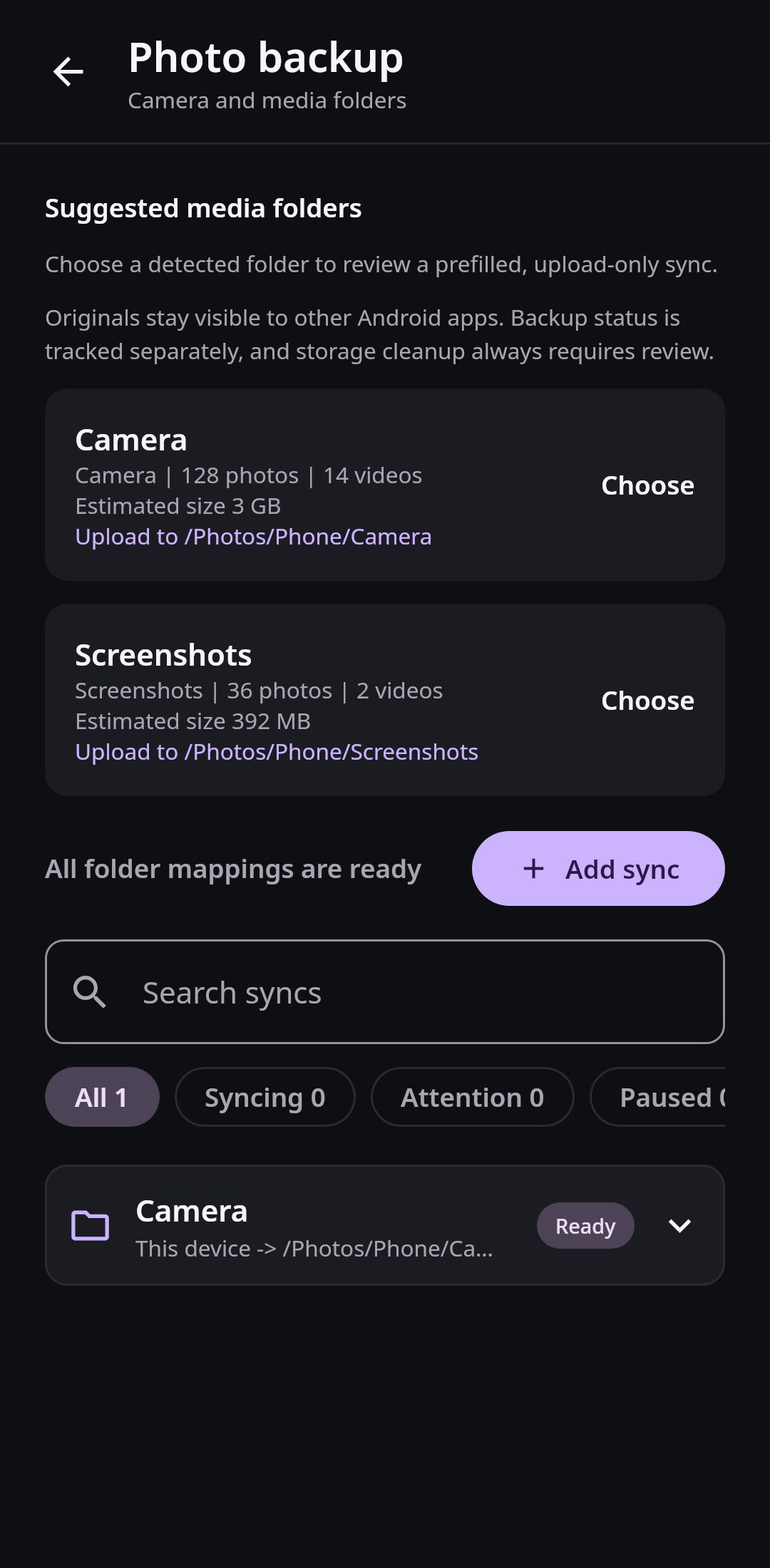
Back up photos and videos
Select camera folders, choose safe upload conditions, follow the backup queue, and verify media before freeing device storage.
- Android
 Workspace
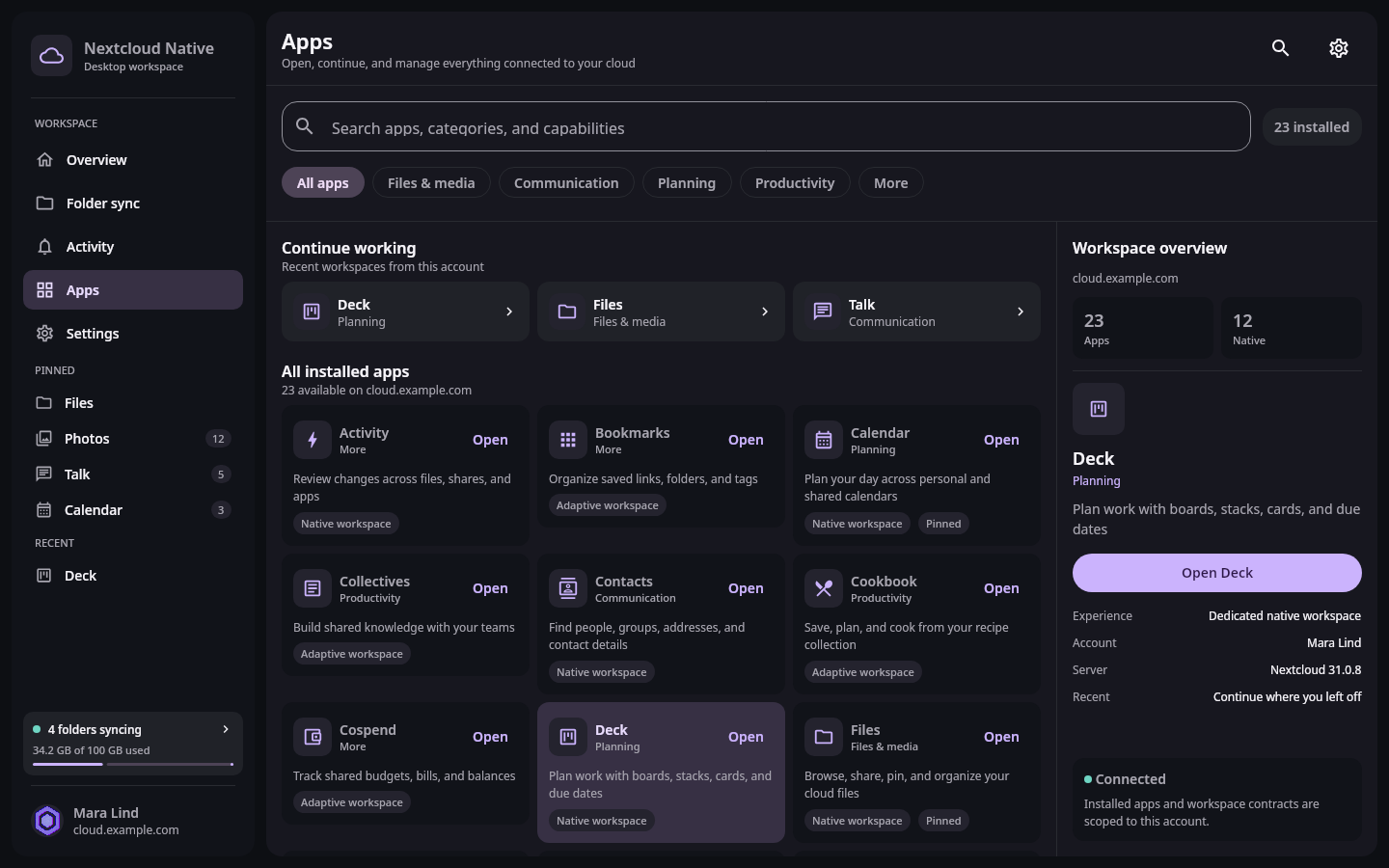
Move between Nextcloud apps without losing your place
Find installed apps, pin everyday tools, and switch between nested workspaces while each app remembers its own route and interface state.
- Desktop